Candy AI has the quickest anime builder in our ranking and the best chat once she exists. Here is every screen with our screenshot, what to choose for the main archetypes, what happens after and what it costs.
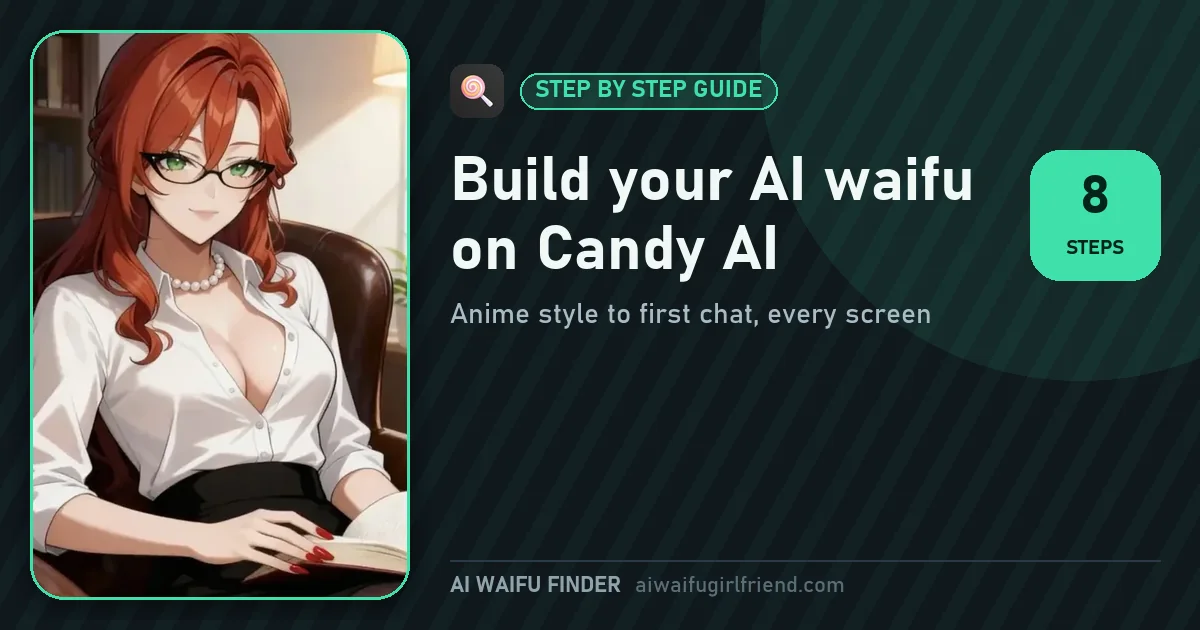
Choose Anime on the first screen, then ethnicity and age, eyes, body, hair, outfit, name, personality, relationship, job and voice. Candy shows a summary, and bringing her to life costs 10 tokens; creating characters is part of Premium, $3.99 a month on the yearly plan.
At the end of this guide you will have an anime AI waifu with the face, hair and body you chose, a name, an age of 21 or more, a personality, a job and a relationship to you. Candy turns those choices into her opening message and into every picture you ask for later with the Image and Video buttons under the chat.
The builder has eight short steps in six sections and takes about five minutes. It is not the deepest builder of the seven, OurDream goes further, but it is the one most people finish on the first try, and the result chats better than anything else we tested.
Every screenshot below comes from our own build of an anime character. We tried a few archetypes along the way, and the recipes further down give the exact choices that worked.
You can click through the builder as a guest; Candy asks you to sign in near the end. Creating your own characters is listed among Premium benefits, and the final step uses 10 tokens from the 100 included each month.
If you are not sure you want to build, open the Anime tab first. Candy's ready-made characters are free to chat with on a free account, and one of them may already be the waifu you had in mind.
Decide two things before you click: her archetype and the setting where you meet. Candy's personality, job and relationship choices then fall into place, and your first message is easy to write.
Open Create Character from Candy's menu. The first screen, Create my AI Girl, asks for Girls or Trans at the top, then shows two large cards, realistic and anime. Choose the anime card and press Next. That click decides the whole build, because every preview after it, the portrait and every picture you later ask for in the chat will be drawn in anime style. The builder then switches to a side menu with six sections, Basics, Face, Body, Hair, Clothing and Character, with a tick as you complete each one, so you always know how far you are. If you are not sure about the style, open the Anime tab in another window first and look at a few of Candy's own characters: what you see there is what your waifu will look like.

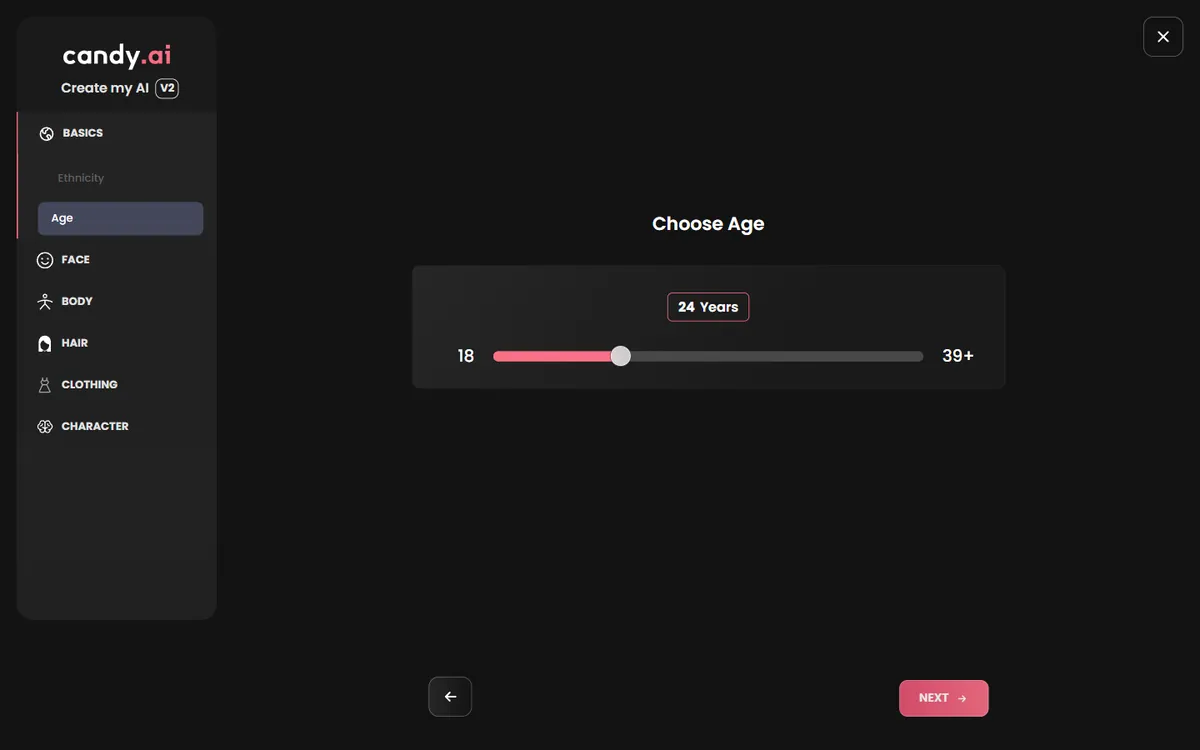
Basics has two screens. Choose Ethnicity shows three drawn cards, Caucasian, Asian and Latina; pick the one that fits the character you have in mind. Choose Age is a slider, and this is where we always set 21 or more. We chose 24 for our test character, a tech engineer who lives nearby. Match the age to the life you are giving her: a florist who just opened her shop might be 24, a ship's navigator 29, a bookshop owner 33. The list of ethnicities is short compared with OurDream's, which adds fantasy presets such as Elf and Demon, but every card is clean and consistent; if you want ears or horns, our OurDream and Nectar AI guides show how.
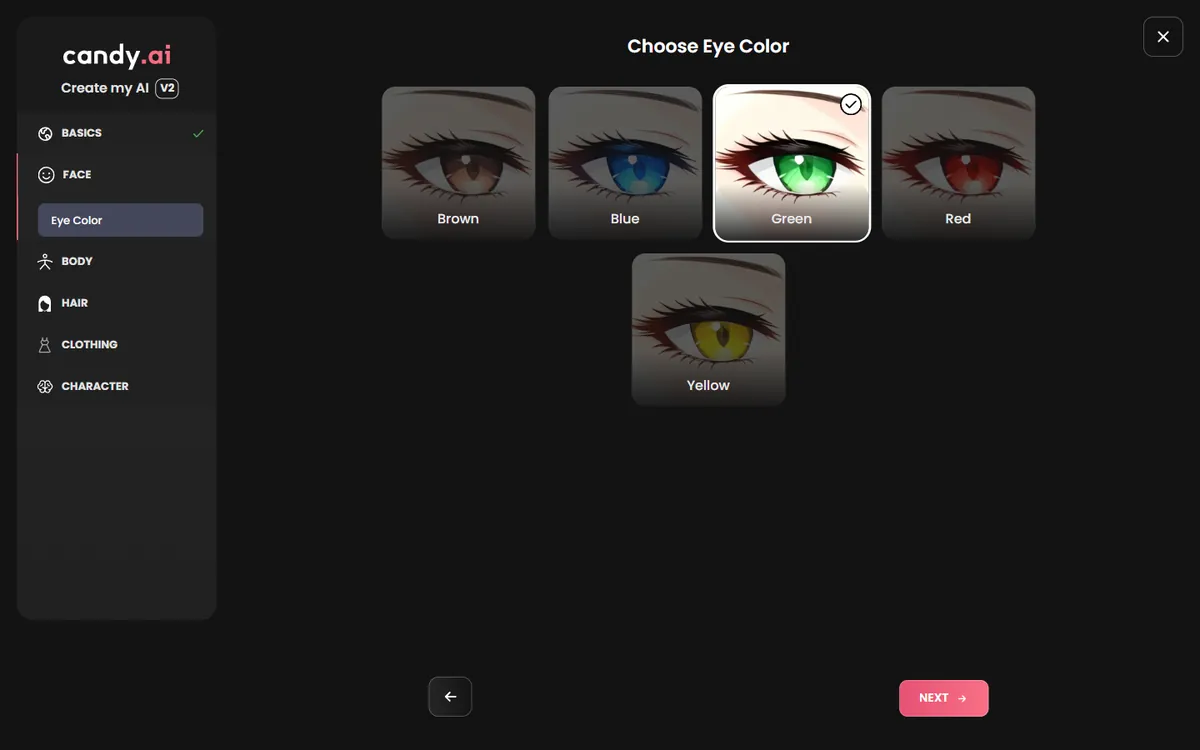
The Face section asks for one thing, eye color, with large close-ups: brown, blue, green, red and yellow. It sounds small, but in anime style the eyes carry most of the character. Red or yellow eyes read intense at once, a natural start for a goth, a yandere or a demon look. Blue and green read open and friendly. Brown reads warm and grounded, good for a girl next door or a barista. We chose green for our test character. If you already know her archetype, our archetype pages list the eye color that works best for each one on Candy.
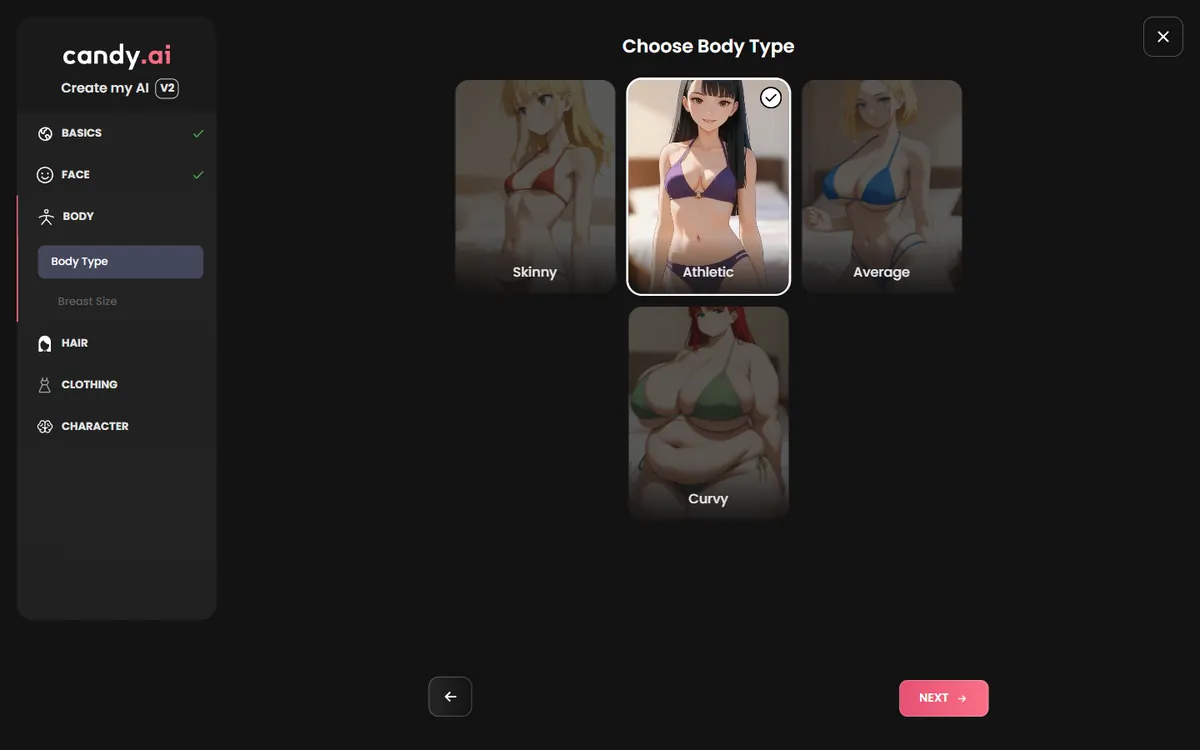
The Body section shows drawn previews of four body types, skinny, athletic, average and curvy, followed by a proportions screen. Choose what fits her life rather than the most extreme card: athletic for an active character, average or curvy for a relaxed one, skinny for a bookish type. Moderate choices age well, because this body is what every later picture will use, and a waifu you talk to for weeks should look like the same person in every image. Candy's previews are accurate, so what you click is what you get, and you can go back to any section from the side menu.
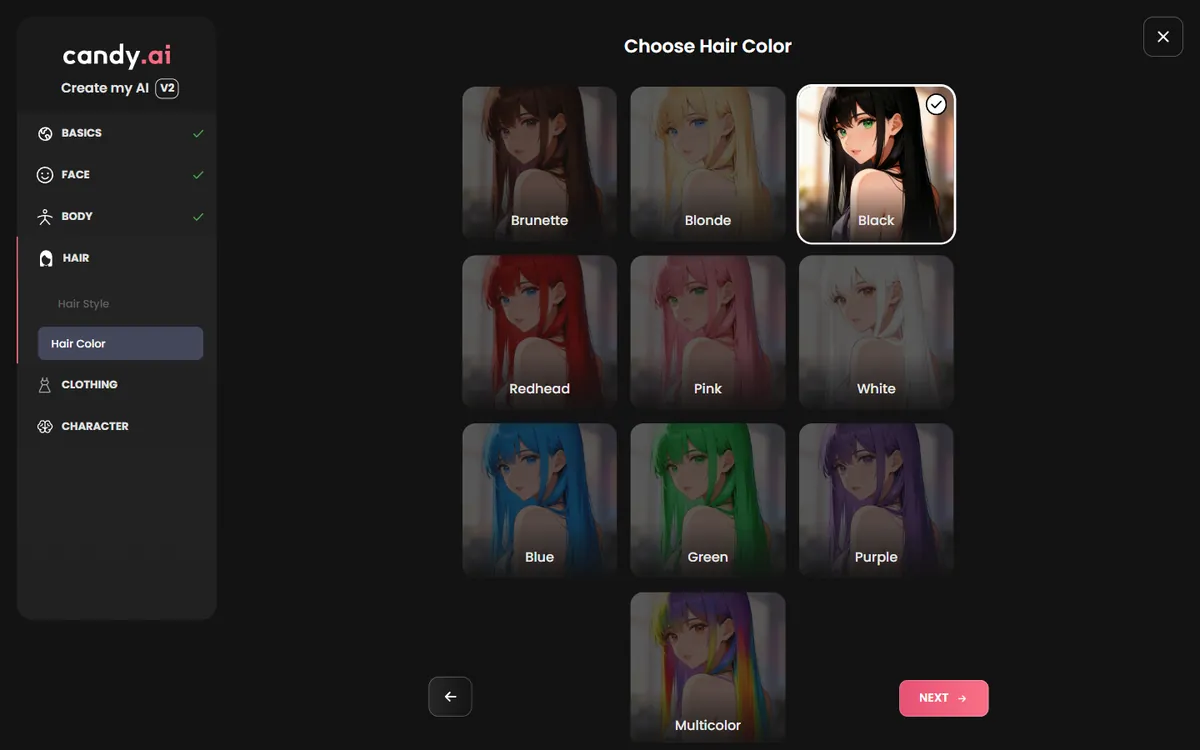
Hair has two screens. Choose Hair Style offers straight, bangs, curly, bun, short and ponytail. Choose Hair Color offers a full anime palette: brunette, blonde, black, redhead, pink, white, blue, green, purple and multicolor. This is where an archetype becomes obvious. Long black hair with bangs reads goth or yandere; a brown bun reads café owner; silver or white hair with pale eyes reads cool and distant, a natural kuudere or mage; pink or multicolor reads playful. Picture her in the setting of your first chat: a bun suits someone who works long shifts, loose waves someone who has just come home.
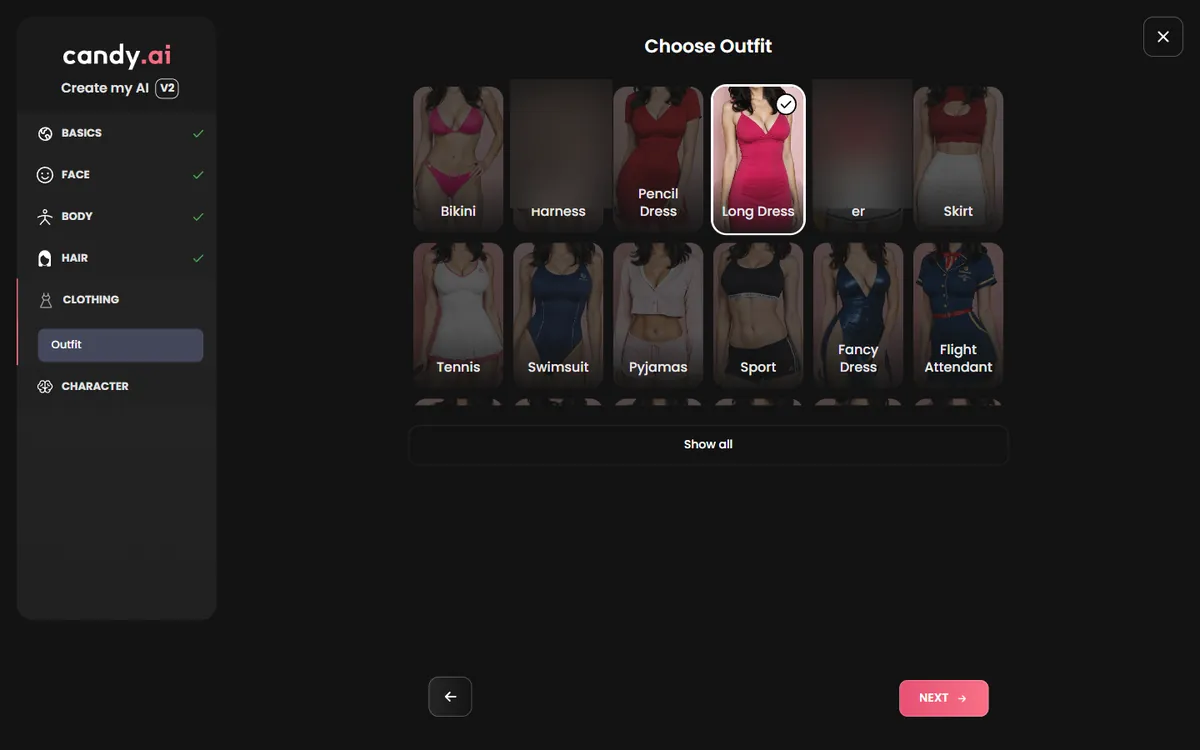
Choose Outfit shows a grid of clothes with drawn previews, from long dress and pencil dress to tennis, sport, pyjamas, fancy dress and a flight attendant uniform, with Show all for more. The outfit is her default look in pictures, so pick something that fits her job and the mood of your first scenes: a pencil dress for an office character, a long dress for an evening at a bar, sportswear for a trainer. Some options are not for this site and we skip them. You can always ask for a different outfit later in the chat; the default simply saves you from describing it every time.
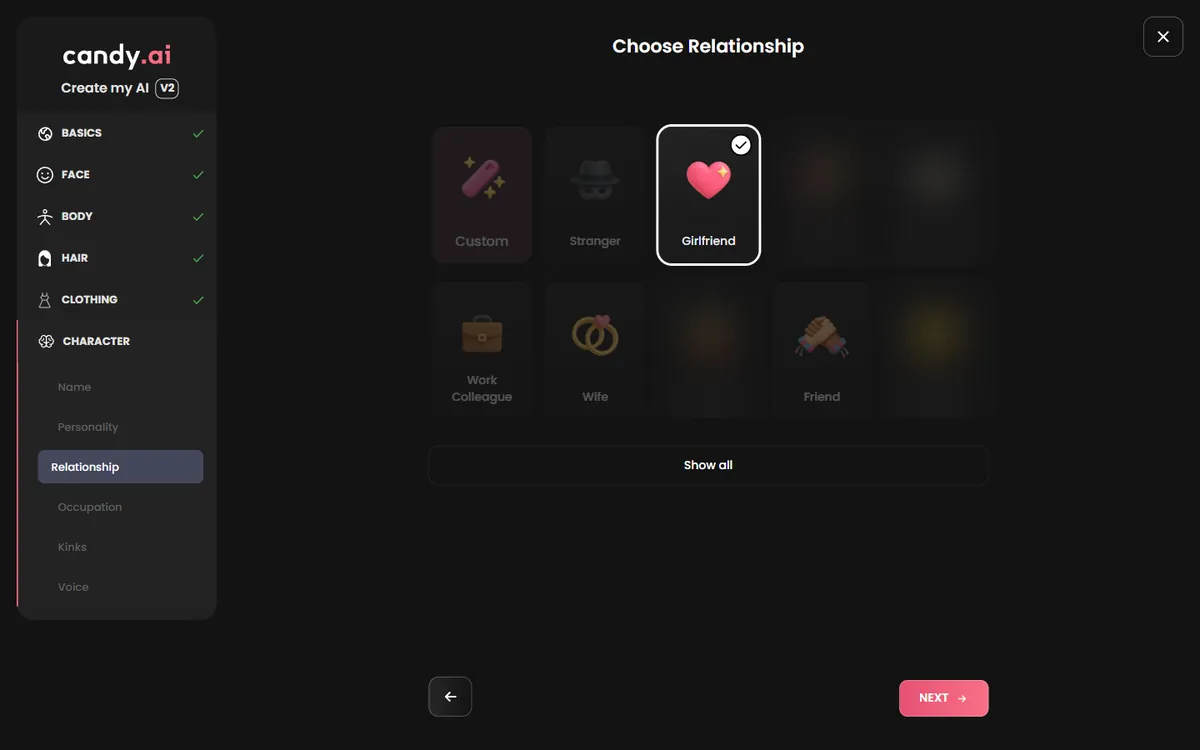
The Character section turns the portrait into a waifu. Choose a name first, then a personality from a list of chips, a relationship and an occupation. Pick a personality with a clear flavor, confident, caregiver, shy or teasing, rather than leaving it on custom. For the relationship, girlfriend, work colleague, wife or friend all work well; we skip the options that are not for this site. The occupation list is long, from bartender and nurse to tech engineer and yoga instructor, and it gives her daily stories to tell. An optional preferences step follows; you can keep it light. Candy turns all of this into the way she opens the chat.
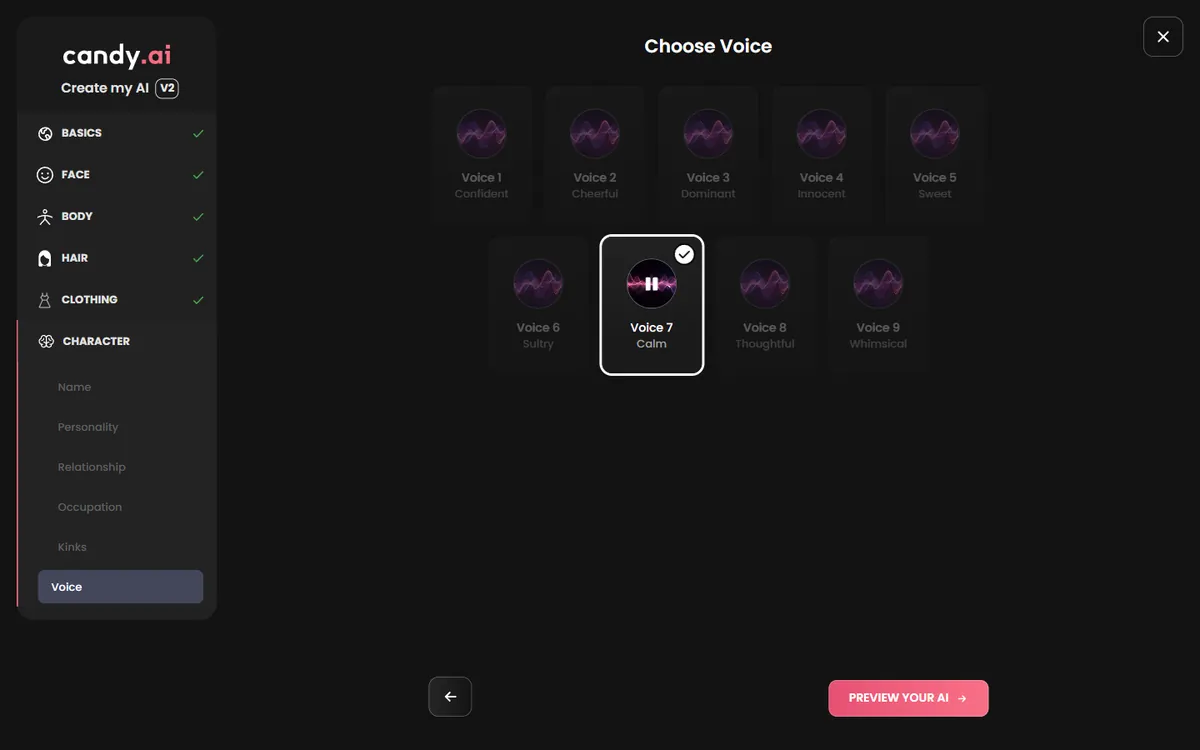
The last screen offers a set of voices with short previews, from calm to playful. Play a few and choose one that matches the personality you picked; on Premium she can call you and send voice messages, so the match matters. Then press Preview your AI. Candy generates her portrait and profile in a few seconds, with a progress circle while it works, and opens her page, ready to chat. Creating your own characters is a Premium feature and uses tokens from the monthly allowance, 10 tokens in our earlier test, so a free account can click through every screen but needs Premium to finish. Premium costs $3.99 a month on the yearly plan and includes 100 tokens a month.
Her chat opens on her profile, with her portrait and buttons for a voice call and her gallery. Start with a scene rather than a greeting: where you are, what time it is, what just happened. Candy's characters build on what you give them, and a concrete first line makes the second reply much better.
Under the message box, Show me the scene offers Image and Video. They draw the moment you are in, with her face, in her anime style. Ask for a picture when the scene changes, a new place or a new outfit, rather than after every message; the pictures are better and your tokens last longer.
Come back to the same chat each evening and open with one line about where you left off. Candy's characters keep their personality across sessions, and that small recap keeps the story together.
Clicking through the builder is free, and so is chatting with Candy's ready-made anime characters. Bringing your own waifu to life is a Premium feature and uses 10 tokens; Premium includes 100 tokens a month, so you can build her and still have tokens for pictures.
| What | Cost |
|---|---|
| Builder, click through | Free |
| Chat with the Anime tab cast | Free account |
| Bringing her to life | 10 tokens |
| Premium, 12 months | $3.99 a month ($47.88) |
| Premium, 3 months | $8.99 a month |
| Premium, 1 month | $9.99, then $13.99 |

Written by
Tessa Hartwell @tessahw
Former UX writer from the US Midwest who builds an anime companion on every app she covers. She keeps one spreadsheet of what each platform really costs and one of the characters worth a second chat.
How we testYou can click through the whole builder for free, but creating your own characters is a Premium feature and the last step uses 10 tokens. Chatting with Candy's ready-made anime characters works on a free account.
On the first screen of Create Character: choose Girls, then the anime style card. Every later preview and picture is drawn in that style.
The age is set on the name screen. We always choose 21 or more, and an age that matches her job and life.
Bringing her to life costs 10 tokens. Premium includes 100 tokens a month.
On the summary screen, before bringing her to life, every choice can be changed and the face can be redrawn. Once saved, her portrait is the face used in every picture.
Yes, on Premium. The Image and Video buttons under the chat draw the current scene with her face, using your monthly tokens.
Have her in mind? Candy's anime builder takes about five minutes.
 Open Candy's builderMake your waifu on Candy AI, free start
Candy AI is our top pick for building an AI waifu. Signing up is free, and you can design her face, hair and personality before paying anything.
Open Candy AI By