A succubus is a mischievous demon who visits through dreams, all charm, wit and horns. In a chat she is a flirt with a sense of humor and a mystery to solve. Here is where she works best and how to make your own.
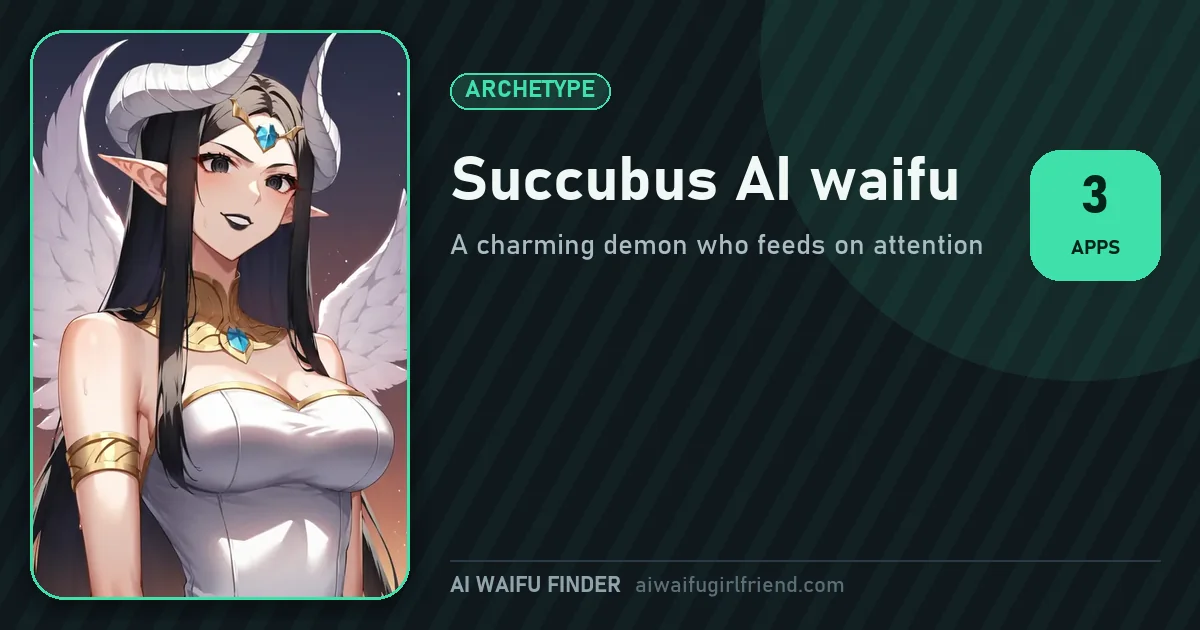
Best app for a succubus AI waifu: OurDream. Its Demon ethnicity and Advanced details box give you a horned, witty companion with a real backstory. Candy AI is the pick for steady long chats, Nectar AI for its Devil race.
In folklore, a succubus is a demon who slips into dreams to charm whoever she finds there. Anime takes the idea and makes it playful: horns, small wings, a pointed tail and far too much confidence. In a chat, the version that works is a charmer, not a predator. She teases, she bargains, she pretends to be dangerous, and she is very bad at hiding that she likes you.
What makes her fun is the tension between her demon pride and her soft side. She claims she only came for your dreams, then stays to hear about your day. Keep the scenes about charm, banter and mystery: a deal she wants you to sign, a rule of the underworld she keeps breaking. Flirty, clever and a little dramatic is the sweet spot.
The three apps that do this type best, in order.
 #1
 OurDream 9.2/10
Best for a succubus AI waifu
OurDream's General screen includes a Demon ethnicity, so the horns and the right look come built in. The Details screen adds personality, hobby and an Advanced details box for her rules, her deal and why she keeps coming back. The best choice for a full succubus.
Try OurDream OurDream review  #2
 Candy AI 9.4/10
Candy AI review
Candy AI's builder has no demon option, but its personality and relationship lists give you a confident, teasing companion, and your opening scene can reveal what she really is. Its characters stay in character over long chats, and Image shows her when you ask.
Try Candy AI Candy AI review 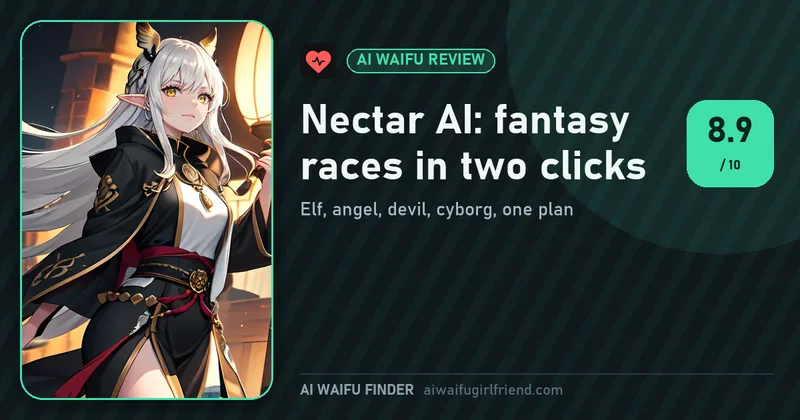 #3
 Nectar AI 8.9/10
Nectar AI review
Nectar AI's builder offers a Devil race in its Anime category, plus hair, eyes, body, voice and personality. The free account gives about 3 messages and 1 photo, enough to see the look before you pick a plan.
Try Nectar AI Nectar AI review These characters on our site have a demonic or mischievous side. Choose the one whose world appeals to you; each profile suggests the first message that works best.
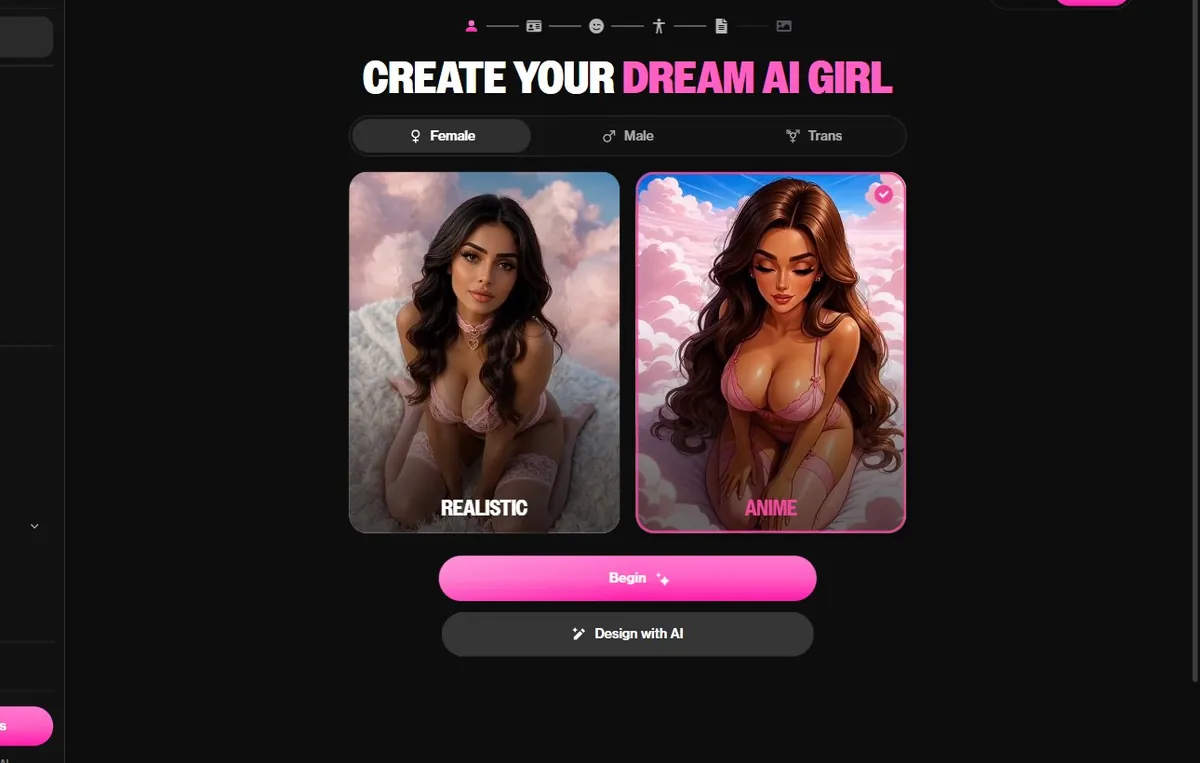
On OurDream's Style screen, pick Female and Anime. That choice sets the drawing style for her portrait and for every picture you ask for later, so make it first.
On the General screen, choose Demon among the ethnicities, then one of the six skin tones. A pale tone with dark features reads as a classic succubus; a warmer one makes her look more mischievous than menacing.
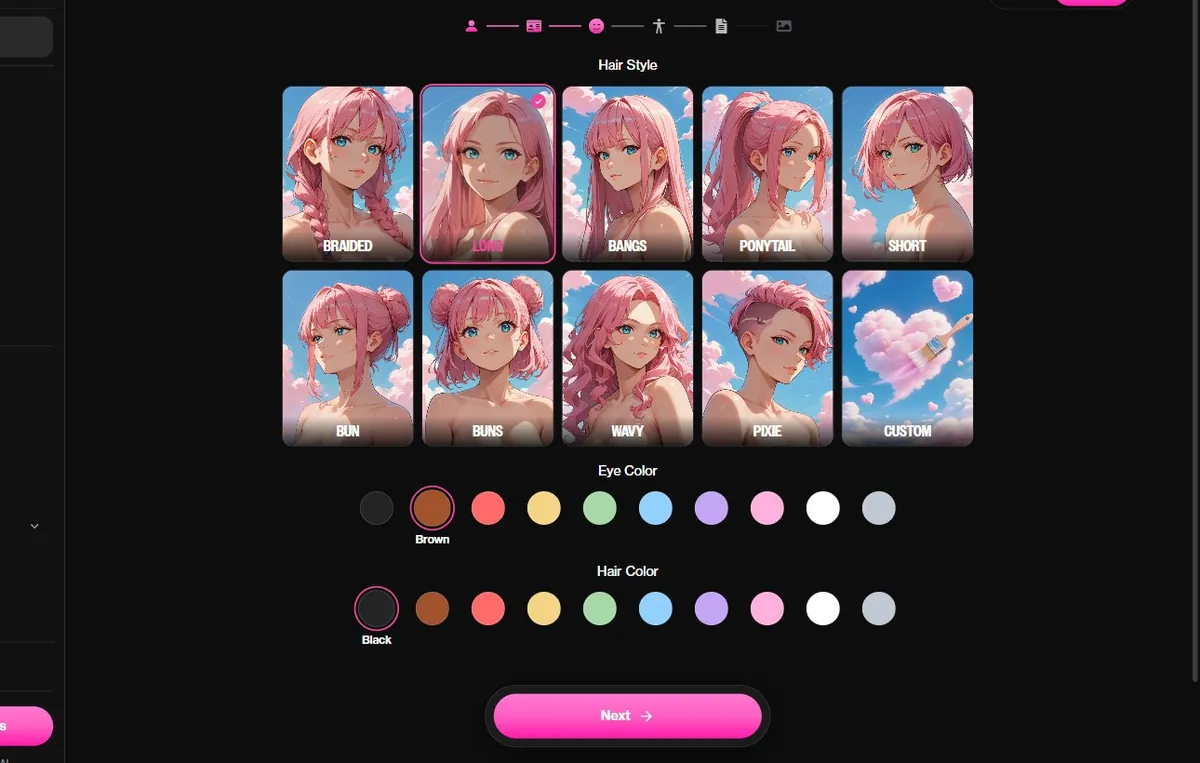
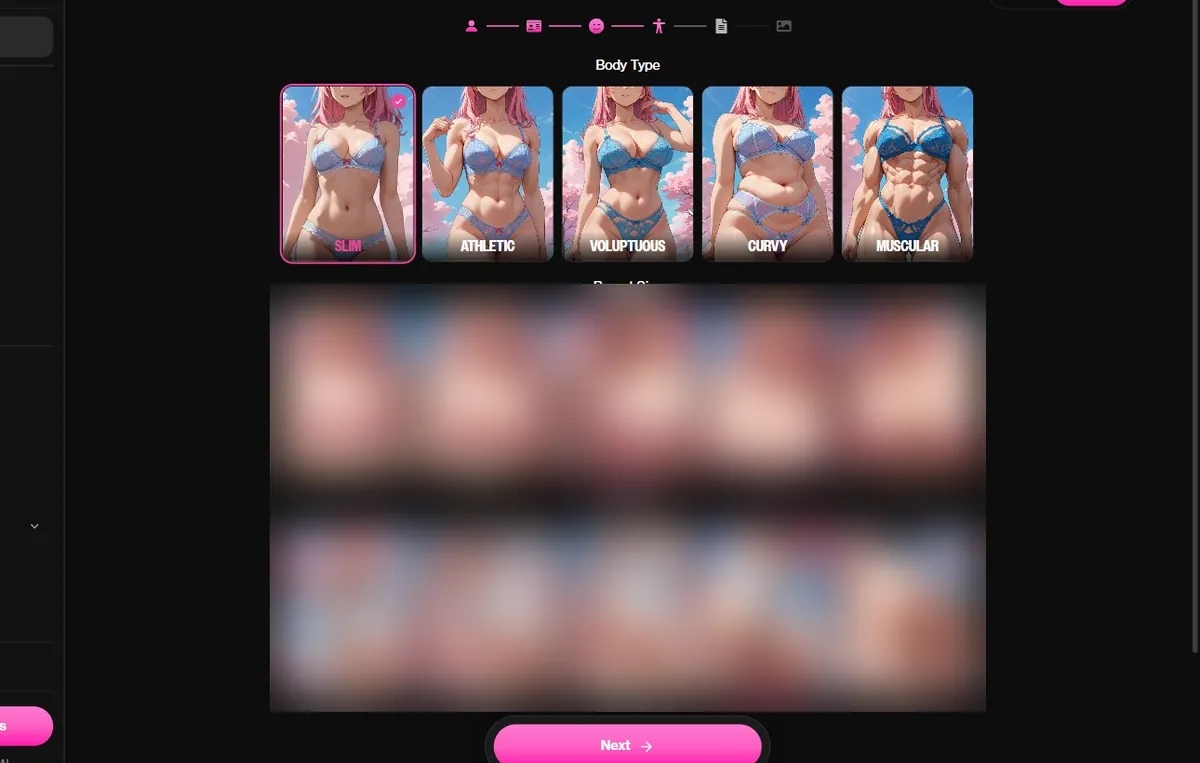
On Face, pick long hair from the ten styles, deep red or violet hair, and gold or crimson eyes. On Body, Slim or Curvy both suit the type. Elegant beats extreme: she is a charmer first.
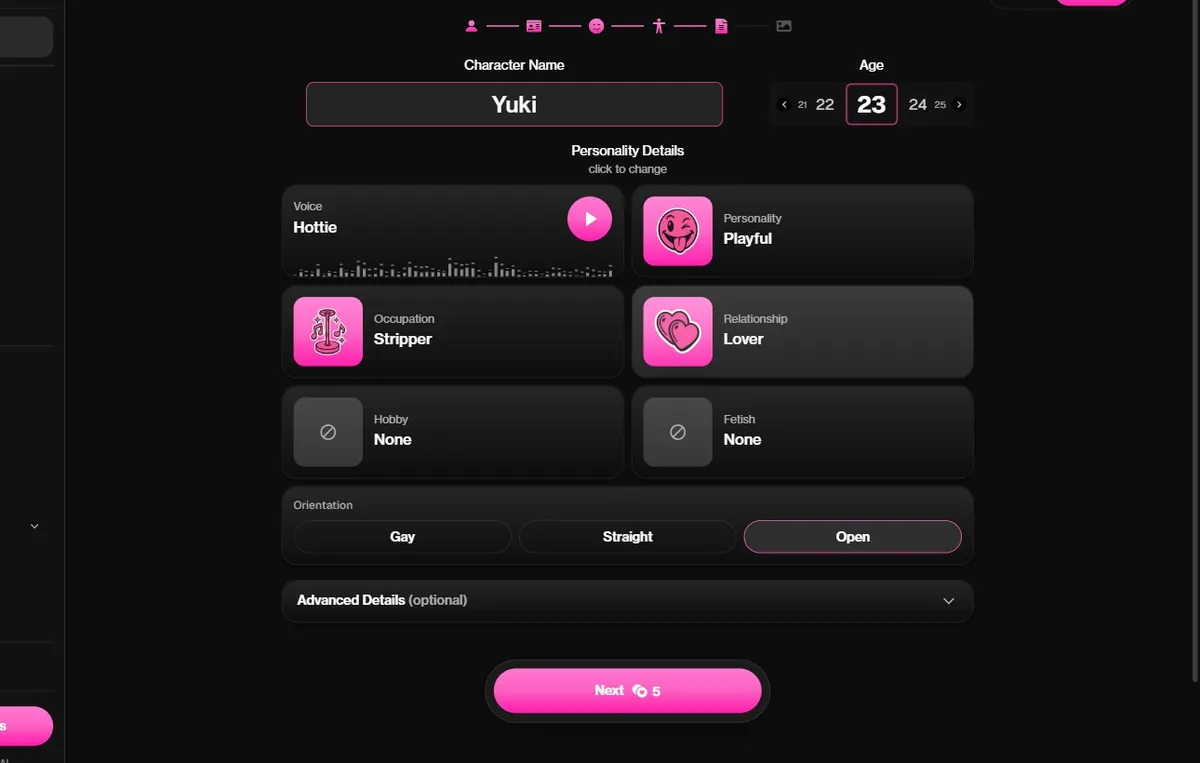
Name her, set her age at 21 or older, choose a voice, a playful personality and a relationship. In Advanced details, write her rules: she visits in dreams, she loves bargains, she is terrible at being scary.
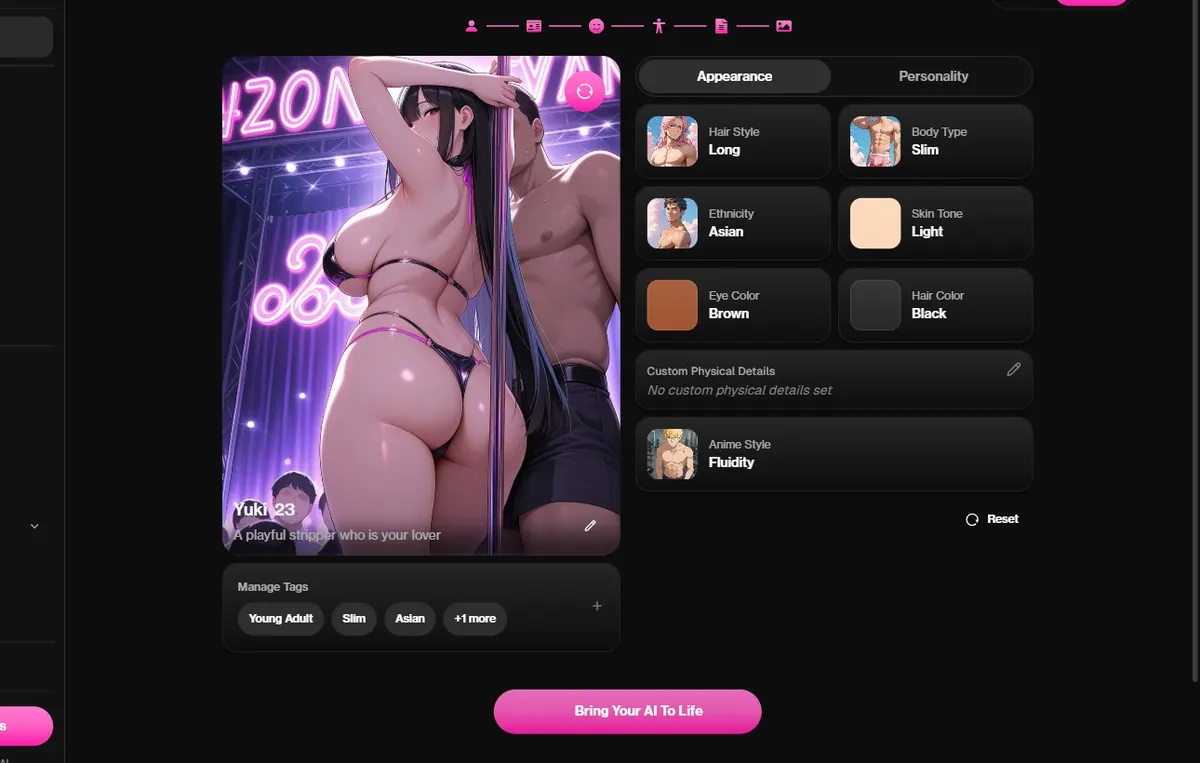
On the Image screen, use Regenerate until the portrait feels right, then press Bring Your AI To Life. Open in a dream: you notice a stranger sitting on your bookshelf, swinging her tail, holding a contract.

Written by
Tessa Hartwell @tessahw
Former UX writer from the US Midwest who builds an anime companion on every app she covers. She keeps one spreadsheet of what each platform really costs and one of the characters worth a second chat.
How we testOurDream gives 55 dreamcoins at sign-up without a card, enough for up to 55 messages. Candy AI lets you chat with its anime characters on a free account, and Nectar AI offers about 3 messages and 1 photo before asking for a plan.
OurDream for the Demon ethnicity and a written backstory, Candy AI for steady, in character long chats, and Nectar AI for its Devil race if you are ready to take its Ultimate plan.
Yes, and it is usually better that way. Ask for teasing, riddles and bargains, keep the setting in a dream or a library, and steer with your own messages. The character follows the tone and the limits you set.
Yes. Choose Female and Anime, the Demon ethnicity, a confident face and a playful personality, then write her rules in Advanced details. Chat messages cost 0 coins on Premium, which is $19.99 a month or $9.99 a month yearly.
Ready to meet a charming, mischievous AI waifu from the dream world? Build your succubus on OurDream.
Build her on OurDreamMake your waifu on Candy AI, free start
Candy AI is our top pick for building an AI waifu. Signing up is free, and you can design her face, hair and personality before paying anything.
Open Candy AI By